
What Is a Guided Customization Process for Wall Art?
WallfullyTL;DR:
- A guided customization process uses real-time previews and a final proof step to ensure order accuracy. It enhances customer satisfaction by reducing errors and boosting confidence before purchase. Reliable tools feature instant updates, conditional logic, secure checkout, and clear production timelines.
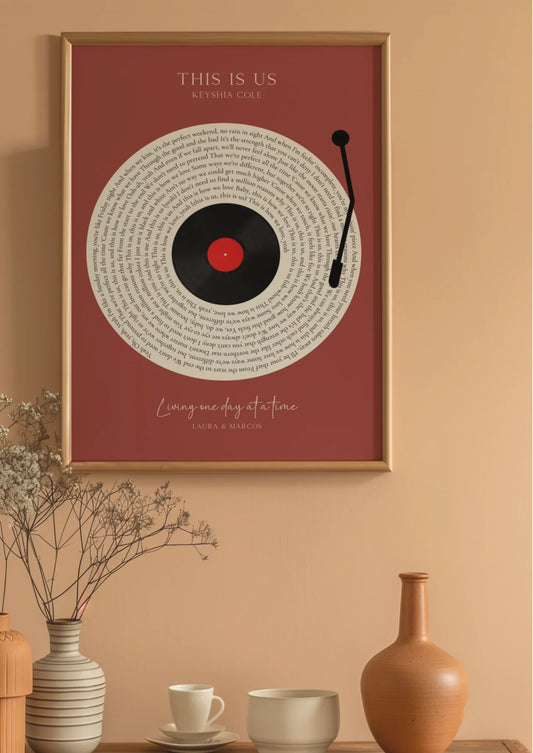
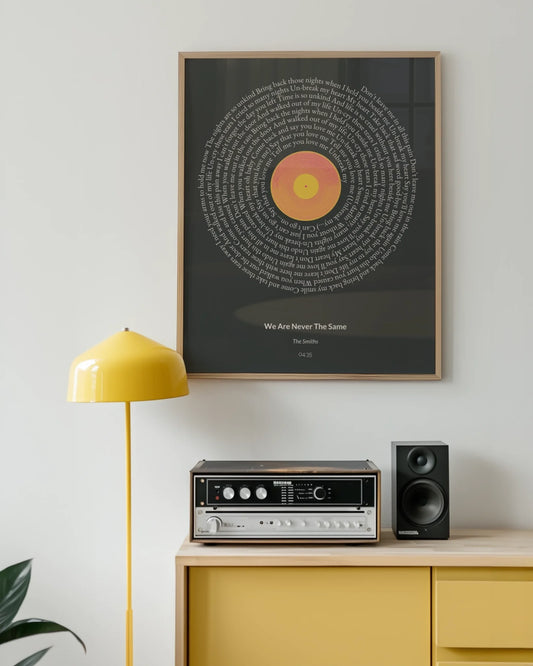
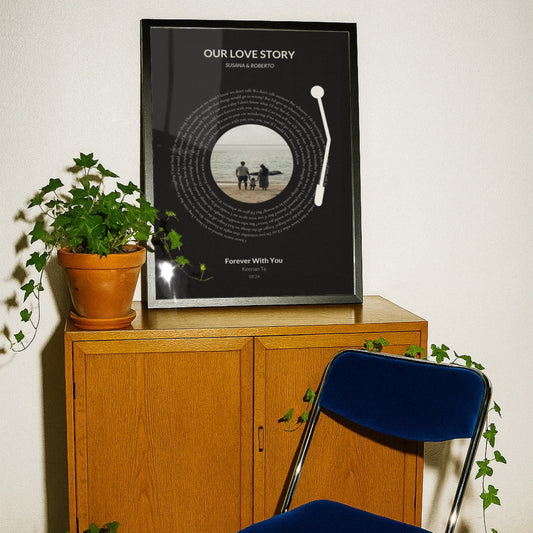
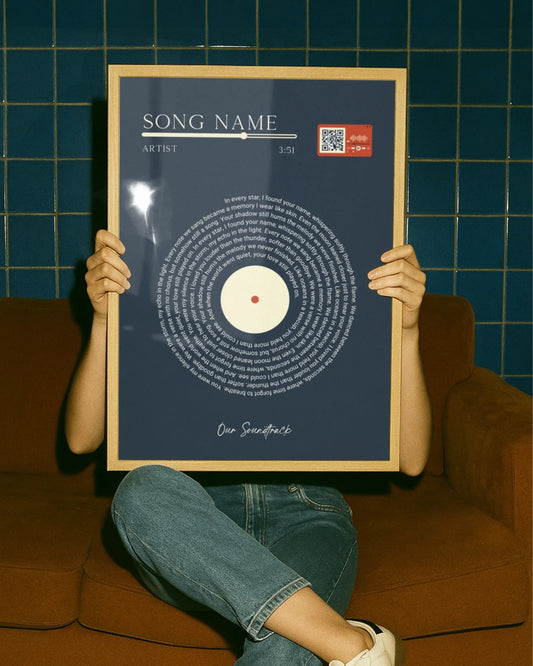
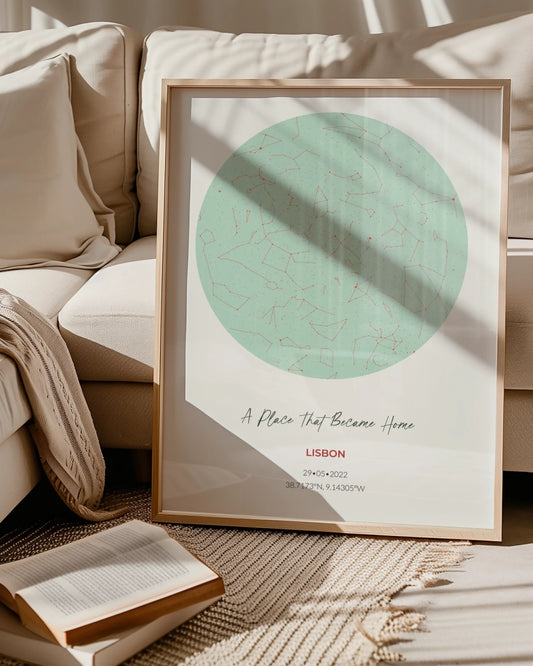
A guided customization process is an online, step-by-step tool that walks you through personalizing a product by asking focused questions and showing a live preview as you go. For wall art and custom posters, that means you see your name, date, or location appear on the design in real time before you ever reach checkout. Platforms like Wallfully use this approach alongside SSL-secured checkout and a satisfaction guarantee so you can order with confidence, not guesswork.
Table of Contents
- How a guided customization process works, step by step
- Why guided customization leads to higher satisfaction
- What to look for in a high-quality customization tool
- How to prepare your photos and text for the best print result
- What drives production time and price
- Common mistakes in guided customization and how to fix them
- How to tell a vendor uses a reliable customization process
- Key Takeaways
- Why the design choices behind a guided flow matter
- Start creating with Wallfully’s guided customization tool
- Useful sources and further reading
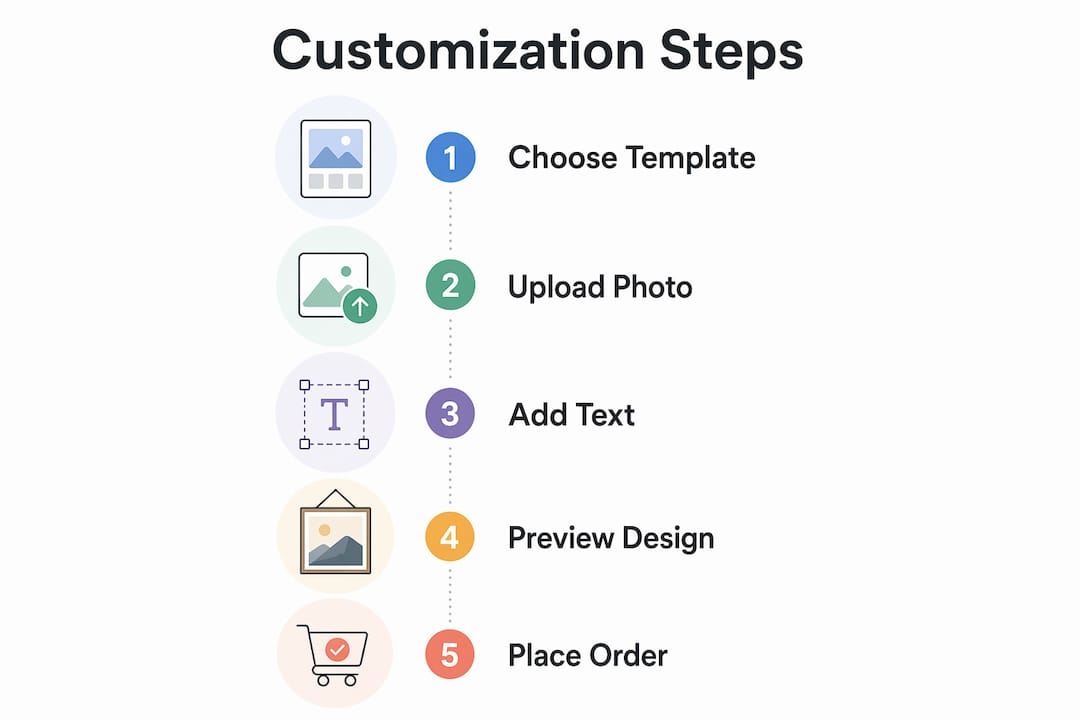
How a guided customization process works, step by step
The flow is more straightforward than most shoppers expect. Here is the typical sequence:
- Select your product. Choose the print type: a song lyric poster, star map, city map, photo collage, or milestone print.
- Pick a template. Browse layouts filtered by style, color palette, or occasion. Step-by-step wizards keep one decision per screen, which prevents option overload.
- Enter your personalization fields. Type in names, dates, locations, or messages. Conditional logic hides fields that don’t apply to your chosen template, so you only see what’s relevant.
- Choose size, material, and framing. Options update based on what you selected earlier; incompatible combinations are blocked automatically.
- Watch the live preview update. Every change you type or click reflects immediately on the design mockup. You can zoom in to check text sharpness and layout balance.
- Review the proof. Before adding to cart, you get a final order summary showing exactly what will be printed. This is the moment to catch typos or cropping issues.
- Complete secure checkout. SSL encryption protects your payment details. Free shipping is included on all Wallfully orders.
You can move backward through any step without losing your earlier inputs, which matters when you realize you misspelled a name on step three after reaching step six.
Quick note on mobile: the preview and field inputs work on phones and tablets, though zooming in on fine text is easier on a larger screen.
Why guided customization leads to higher satisfaction
The psychological case for this kind of flow is well-documented and explains why unique candles outperform generic ones through personalization and enhanced consumer satisfaction. Co-design experiences increase perceived control and self-expression, and research links both directly to higher customer satisfaction and repeat purchases for personalized products.
On the practical side, the benefits are just as clear. Focused, one-field-at-a-time screens reduce typos in custom text. Conditional logic and rule-based validation prevent incompatible configurations from reaching the print floor, which cuts return rates. And because shoppers see a proof before checkout, they arrive at payment already confident in what they ordered. That confidence shortens decision time and reduces post-purchase regret.
Think of a well-built guided flow as a digital salesperson: it asks the right questions, narrows your choices, and surfaces the best option rather than dumping a full product catalog in front of you.
What to look for in a high-quality customization tool
Not every personalization tool is built the same way. Before you commit to a vendor, check for these features:
- Live preview with real-time updates: changes should appear on the mockup instantly, not after a page reload.
- Conditional logic: irrelevant fields and options should disappear based on earlier selections.
- Final proof or order summary step: a dedicated approval screen before checkout is non-negotiable for print products.
- File-upload support: you should be able to upload your own photos in JPEG, PNG, or TIFF format.
- Size templates with safe-area guides: the tool should show bleed lines and warn you if text sits too close to the edge.
- Framing options: choose between unframed prints and ready-to-hang framed versions within the same flow.
- Mobile-friendly interface: the configurator should work on a phone without broken layouts or invisible fields.
- SSL-secured checkout: look for the padlock icon and an https URL before entering payment details.
- Clear production and shipping timelines: estimated dispatch and delivery dates should appear before you pay.
- Support access: live chat or email support during the customization step, not just post-purchase.
| Feature | Why it matters for prints |
|---|---|
| Live preview | Catches layout and text errors before production |
| Conditional logic | Prevents unmanufacturable configurations |
| Proof/approval step | Final chance to spot typos or crop issues |
| SSL checkout | Protects payment and personal data |
| Production timeline | Lets you plan for event or gift deadlines |
Pro Tip: Before placing a large or framed order, use the preview zoom feature to inspect whether your text is legible at the chosen print size. Small fonts that look fine on screen can disappear on a 12×16 inch poster.
How to prepare your photos and text for the best print result
File quality is where most print disappointments start. Follow these basics and you’ll avoid the most common issues.
- Resolution: upload images at 300 DPI or higher at the intended print size. A photo that looks sharp on your phone screen may be only 72 DPI, which prints blurry.
- File types: JPEG and PNG work for most platforms. TIFF is preferable for large-format prints when the tool accepts it.
- Color mode: shoot or export in sRGB. Most consumer print labs convert to CMYK internally, but sRGB files give them the most accurate starting point.
- Aspect ratio: match your image’s crop to the print size you selected. A square crop on a portrait-format poster will leave white bars or get auto-cropped in ways you didn’t intend.
- Text proofreading: read every name, date, and location backward. This forces you to see each word individually rather than reading for meaning, which catches transposed letters.
- Capitalization: decide on a style (all caps, title case, or sentence case) and apply it consistently across all text fields.
Pro Tip: Export a test version of your photo at the exact pixel dimensions the platform recommends, then zoom the preview to 100% to check sharpness. If the image looks soft at full zoom, find a higher-resolution source before ordering.
What drives production time and price
Understanding the cost and timeline levers helps you plan, especially for gifts with hard deadlines. For a deeper look at personalized wall art gifting timelines, Wallfully’s blog covers occasion-specific planning in detail.
Cost drivers:
- Print size (larger = higher material and ink cost)
- Framing (adds both cost and production time)
- Material choice (standard paper vs. premium or eco-friendly stock)
- Rush production, when available
- Shipping method (standard vs. expedited)
Timeline factors:
- Unframed prints typically move through production faster than framed ones.
- Proof review adds a step but protects you from errors that would require a reprint.
- Standard shipping windows vary by destination; check the estimated delivery date shown at checkout before you pay.
For event gifts, order at least two weeks ahead of the date to absorb any proof-review round and standard shipping time. If the occasion is within a week, look for expedited production options and confirm availability with support before ordering.
Common mistakes in guided customization and how to fix them
Most errors are preventable. Here are the ones that cause the most reprints and delays:
- Uploading a low-resolution image: the preview may look acceptable, but the printed result will be pixelated. Fix: find the original file or a higher-resolution export before submitting.
- Skipping the proof review: the approval screen exists for a reason. Skipping it to save two minutes is how typos reach the print floor.
- Ignoring aspect ratio warnings: if the tool flags a crop mismatch, fix it before checkout, not after.
- Using a font size too small for the print dimensions: text that reads clearly at 8pt on a 5×7 inch proof becomes illegible on a 24×36 inch poster.
- Mistyping names or dates: always read the text fields one more time on the proof screen.
Quick fixes:
- If you catch an error after placing the order, contact support immediately. Most vendors can intercept an order before it enters production.
- Request a manual proof from support if you want a human to review the file before printing.
- Check the order summary email against your proof screenshot to confirm the details match.
Refund and return policies for custom prints are narrower than for standard products because the item is made to order. Verify the vendor’s policy before checkout, not after a problem arises.
How to tell a vendor uses a reliable customization process
Wallfully’s approach illustrates what a trustworthy guided experience looks like in practice. The platform shows a live preview that updates with every input, presents a final proof before checkout, and uses SSL encryption across the entire order flow. Customer reviews and star ratings are visible on product pages, and a satisfaction guarantee backs every order. Eco-friendly printing materials are available as a standard option, not an upsell.
A reliable guided customization platform shows you exactly what will be printed, protects your payment data, and gives you a clear path to support if something needs to change before production starts.
Trust signals to verify on any vendor’s site:
- Live preview that reflects your actual inputs
- A named proof or order-approval step before checkout
- HTTPS and a visible SSL badge at payment
- Published customer reviews with star ratings
- A written satisfaction guarantee or returns policy
- Stated production and shipping timelines on the product page
- Eco-friendly or sustainably sourced material options
Pro Tip: Before placing your first order with any vendor, send one question to their support channel and note how fast and how specifically they respond. A vendor that answers “what paper stock do you use for the 18×24 print?” with a precise answer is one that knows their product.
Key Takeaways
A guided customization process gives you control, a live preview, and a proof step that together make personalized wall art orders accurate and satisfying.
| Point | Details |
|---|---|
| Preview before you pay | Always use the live preview zoom to check text legibility and image sharpness before checkout. |
| Proof step is critical | Never skip the final approval screen; it’s your last chance to catch typos before production. |
| File quality determines print quality | Upload images at 300 DPI or higher in sRGB color mode for the sharpest printed result. |
| Plan timelines for gifts | Order at least two weeks ahead of an event to allow for proof review and standard shipping. |
| Wallfully’s guided flow | Wallfully combines real-time previews, SSL checkout, eco-friendly materials, and a satisfaction guarantee in one guided process. |
Why the design choices behind a guided flow matter
Most people assume a guided customization tool is just a form with a picture next to it. The design decisions that separate a good one from a frustrating one are less obvious: how the conditional logic is written, whether the preview renders at print resolution or just screen resolution, and whether the proof step is a real approval gate or a decorative checkbox.
At Wallfully, the priority is accuracy over speed. A preview that shows you a screen-quality mockup but prints at a different resolution is worse than no preview at all, because it creates false confidence. The eco-friendly material choices aren’t a marketing badge either; they reflect a real sourcing decision that affects how colors render on the final print. And the satisfaction guarantee only means something if support is reachable and responsive when a problem comes up.
The guided flow is designed to make you feel certain before you pay, not just excited. Those are different things, and the difference shows up in whether you’d order again.
Start creating with Wallfully’s guided customization tool
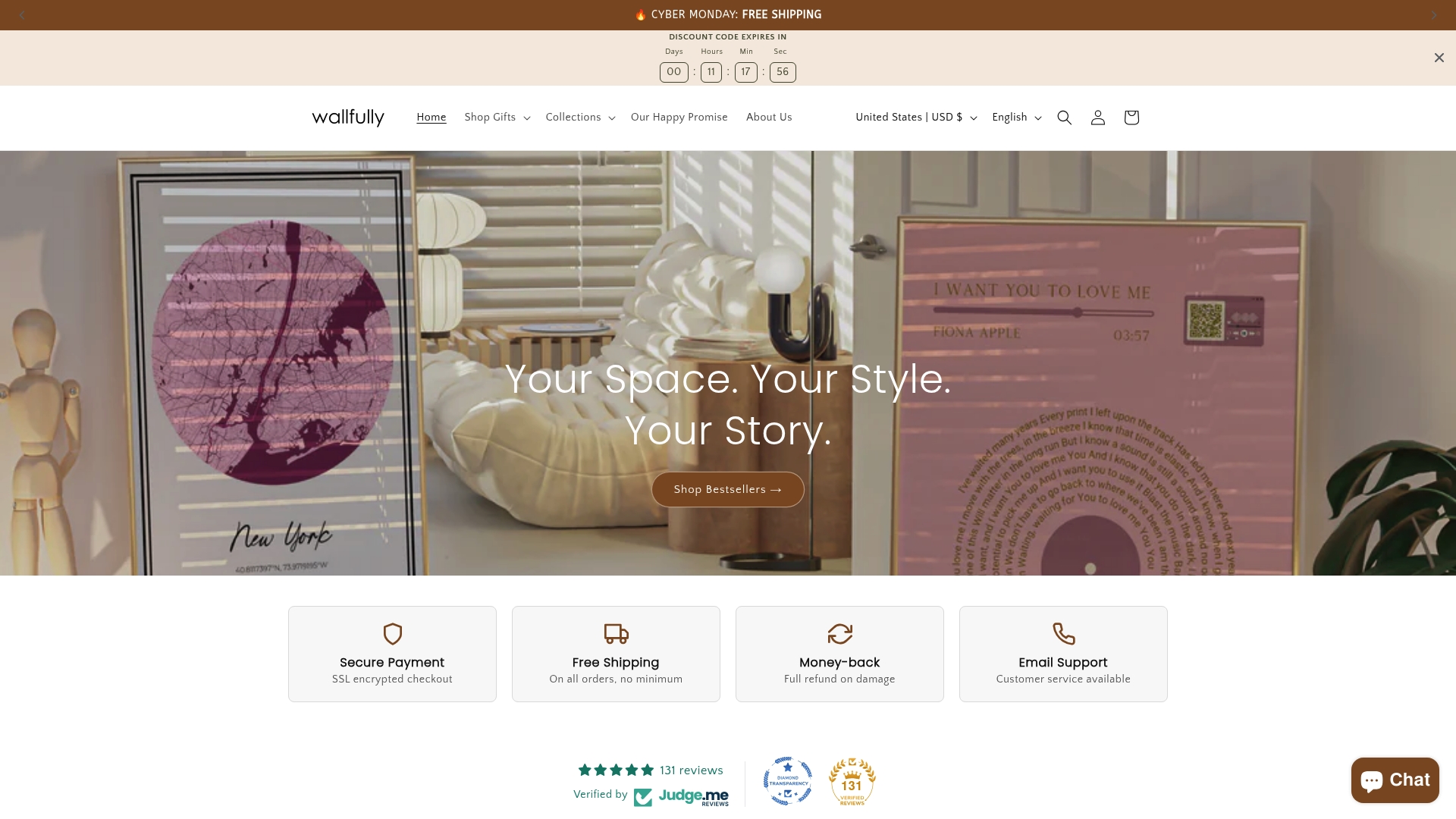
Wallfully gives you a guided preview experience built specifically for personalized wall art: song lyric posters, star maps, city maps, photo collages, milestone prints, and more. Every order includes free shipping, eco-friendly print options, and a satisfaction guarantee. The live preview updates with every input you make, and a final proof step confirms your design before production starts.
Pick a template that fits your occasion and start customizing your wall art today. If you want design inspiration before you begin, the personalized art design guide walks through layout choices and style options in detail.
Useful sources and further reading
The findings and frameworks in this article draw from published research and platform documentation. The table below summarizes the key references.
| Source | What it covers |
|---|---|
| MDPI — co-design and personalization research | Academic evidence linking co-design to satisfaction and loyalty |
| Tailoor — guided selling framework | Conditional logic, conversational UX, and the digital-salesperson model |
| Ecomate — personalization wizard | Step-by-step wizard design and back-navigation behavior |
| NetSuite — guided selling explained | Gather-interpret-present framework underlying guided flows |
| Shopify — product customization guide | Conditional logic, variant setup, and fulfillment integration |
| Wallfully — personalized wall art | Live previews, eco-friendly printing, satisfaction guarantee, and free shipping |
When evaluating any vendor, look for live previews and a named final-proof step on their product pages. Those two features, more than any marketing claim, tell you whether the guided process is real or just a label.