
Print Ready Poster Aspect Ratios: Exact 300 DPI Pixels & Frame Sizes
WallfullyThe workhorse poster ratio is 2:3, the shape behind 12×18, 20×30, and 24×36 prints, and the one that gives you the most ready-made frame options. Secondary ratios like 3:4, 4:5, 1:1, and the ISO A-series each solve a narrower problem, from square gallery grids to European-standard framing. Check your quick reference chart below, then confirm your file’s actual aspect ratio before you order anything.
TL;DR:
- Most posters use a 2:3 aspect ratio, which scales cleanly from 12×18 up to 40×60 without cropping.
- Sizes like 16×20 and 18×24 are the easiest to frame with ready-made options, while 27×40 and larger often require custom framing.
- Printing at 300 DPI ensures high detail, with CMYK color mode and a 0.125-inch bleed recommended before exporting as PDF/X or TIFF.
- For wall placement, select a size based on viewing distance, with 16×20 for close viewing and 24×36 or larger for room-filling impact.
- Using a poster customization tool with preview options simplifies file prep, avoids cropping errors, and eliminates the need for separate framing checks.
Table of Contents
- What are the standard poster aspect ratios and sizes?
- How do you calculate a poster’s aspect ratio?
- Which sizes share a ratio, and which are easiest to frame?
- How do you prep a poster file for print?
- How do you pick the right poster size for where it’ll hang?
- Wallfully’s practical perspective on poster ratios and file prep
- Order a custom poster without guessing at file specs
- Sources
What are the standard poster aspect ratios and sizes?
Before picking a size, match it against the pixel count your printer needs. Every dimension below assumes 300 DPI, the resolution that keeps text and fine detail sharp at normal viewing range, plus a standard 0.125 inch bleed added to each edge.
That 24×36 row does double duty: it’s the most frequently cited standard poster size in the US, and its 2:3 ratio scales cleanly down to 12×18 or up to 40×60 without a single crop. The A1 row matters if you’re printing for a European market or an ISO-standard frame; it lands close enough to 24×36 to work as a rough substitute, though the fit isn’t exact.

How do you calculate a poster’s aspect ratio?

Aspect ratio is just width divided by height, expressed as a ratio or a decimal. A 24×36 poster gives you 24 ÷ 36 = 0.667, which simplifies to 2:3. Do the same math on a 16×20 print and you get 16 ÷ 20 = 0.8, or 4:5. The decimal form is what actually matters when you’re comparing files, because two ratios that look similar on paper (0.667 vs. 0.75) crop very differently once you scale them.
Here’s how the common poster families break down:
- 2:3 (0.667): The default for US posters. Covers 12×18, 20×30, and 24×36.
- 3:4 (0.75): Common in framed photo prints and 18×24 or 36×48 posters.
- 4:5 (0.8): Popular for gallery-style art and Instagram-adjacent square-ish compositions, matching 16×20 and 8×10.
- 1:1 (1.0): The square format, used for modern minimalist prints and social-media-inspired wall art.
- 5:7 (0.714): A common photo print ratio, close to but distinct from 2:3.
- 16:9 (0.5625): Widescreen, borrowed from video and rarely native to poster stock but occasionally requested for movie-style or landscape layouts.
- ISO A-series (1:√2, or 0.707): The European paper standard, where each size is exactly half the area of the one above it (A1 is half of A0, A2 is half of A1).
Knowing which family a size belongs to tells you instantly whether your artwork will scale cleanly or need a crop.
Which sizes share a ratio, and which are easiest to frame?
Sizes within the same ratio family scale without cropping, so a design built for 12×18 will fill 20×30 or 24×36 perfectly since all three sit on the 2:3 line. Cross into a different family, say from 24×36 (2:3) to 16×20 (4:5), and you’re forced to either crop content or accept white space, since the proportions don’t share a common multiple.
Framing changes the calculation just as much as ratio does:
- 16×20 and 18×24 are the easiest off-the-shelf frame sizes, stocked by nearly every home goods retailer.
- 24×36 still has decent ready-made frame availability, though the selection thins out compared to smaller formats.
- 27×40 and 36×48 typically require custom framing, which can double or triple your total cost versus the poster print itself.
- 40×60 almost always means custom framing and, per most wide-format printers’ maximum output width, may require tiling or a different substrate to produce at all.
Pro Tip: If budget matters more than a specific size, design for 16×20 or 24×36 first. You’ll get the print exactly right and still find a frame off the shelf instead of paying a framer to custom-cut one.
Our own poster size guide breaks down frame availability by size in more depth if you’re weighing several options at once.
How do you prep a poster file for print?
Getting the file right before you send it to print saves a reorder. Follow these steps:
- Set your resolution to 300 DPI for anything viewed within a few feet, like a bedroom or office print. For prints viewed from 10 feet or farther, such as a storefront banner, 150 DPI is generally acceptable and keeps file sizes manageable.
- Switch to CMYK color mode. RGB files often shift color once printed, especially in reds and blues.
- Add bleed of 0.125 to 0.25 inches on every edge so trimming doesn’t cut into your design.
- Export as PDF/X or TIFF, and embed any fonts to avoid substitution errors at the print shop.
- Check your file’s native aspect ratio against your target size. If it doesn’t match, choose one of four fixes: smart crop to the new ratio, add a border or gutter to pad the difference, extend the background to fill the gap, or adjust the layout entirely.
Our guide on printing techniques for posters covers substrate-specific settings if you’re choosing between matte, glossy, or canvas finishes.
How do you pick the right poster size for where it’ll hang?
Viewing distance should drive your size choice more than instinct does. A poster read up close, like a framed print above a desk, works fine at 16×20 or 18×24. Anything meant to be seen from across a room, such as above a sofa or in a gallery wall arrangement, needs to jump to 24×36 or larger to hold visual weight at that distance.
Placement changes the math further; learn how to redefine your open space with a private office for an inspiring work environment.
- Above a sofa or headboard: aim for roughly 50 to 75 percent of the furniture’s width, a rule our bedroom poster sizing guide walks through in detail.
- Gallery walls: mix 12×18 and 16×20 for visual rhythm rather than one oversized piece.
Framing cost tends to scale faster than print cost as size increases, so a size that’s one notch smaller than your first instinct is often the smarter call financially, without any real loss of visual impact in a typical room.
Wallfully’s practical perspective on poster ratios and file prep
Most sizing mistakes happen before printing, when someone locks in a ratio without checking it against the wall they’re decorating. Wallfully’s customization tool previews your file at the actual export ratio before checkout, so the crop you see is the crop you get. That preview step, paired with a satisfaction guarantee, catches ratio mismatches long before they become a wasted print.
For readers building their own files, our design tips for personalized wall art and step-by-step ordering guide go deeper into composition and file prep than this overview allows.
— Luanda
Order a custom poster without guessing at file specs
Handling the ratio math can simplify your process. Instead of exporting files, checking DPI, and hunting for a frame that fits an odd size, you pick a size in the customization tool and preview the exact crop before printing on eco-friendly materials with free shipping included.
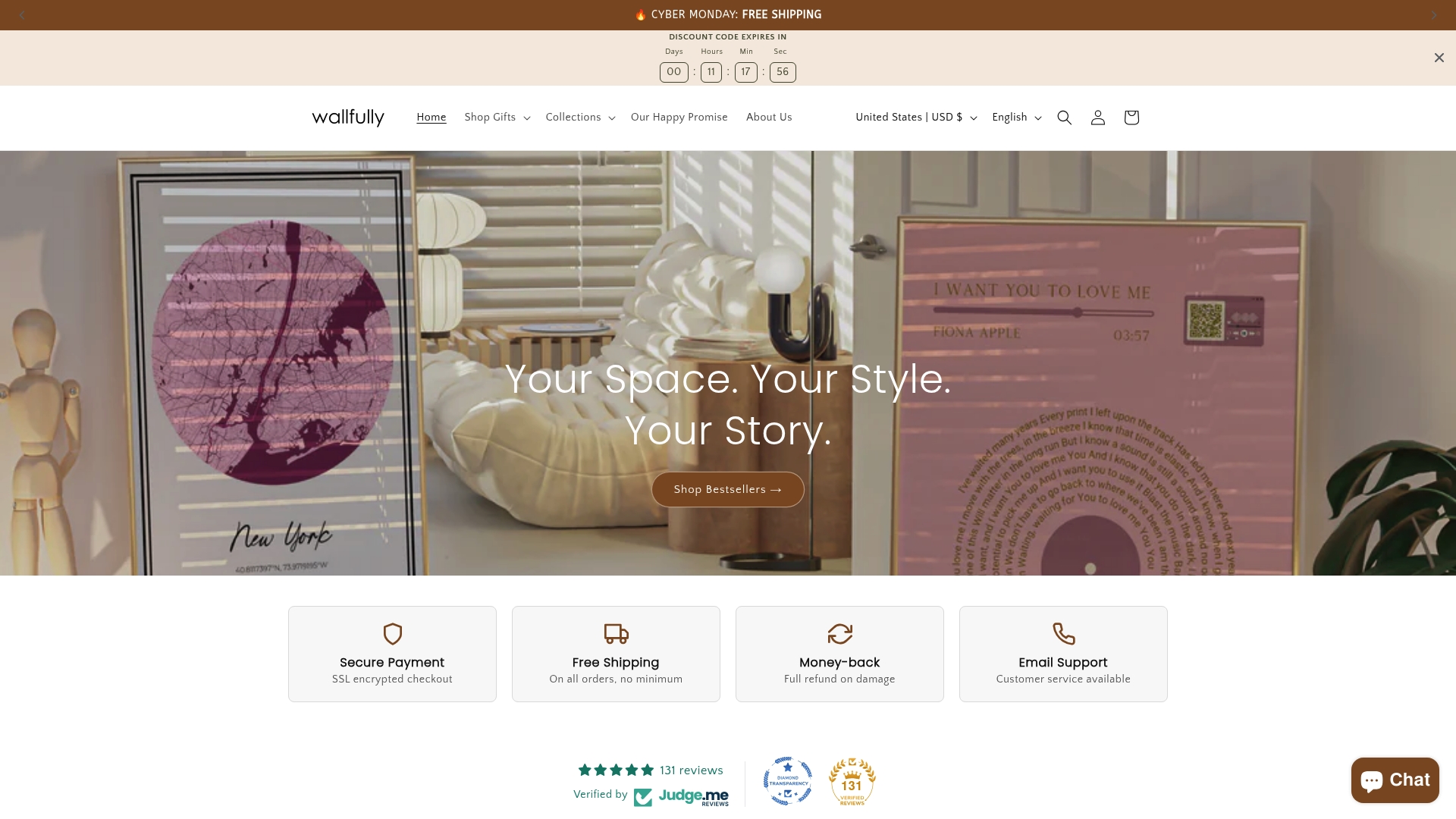
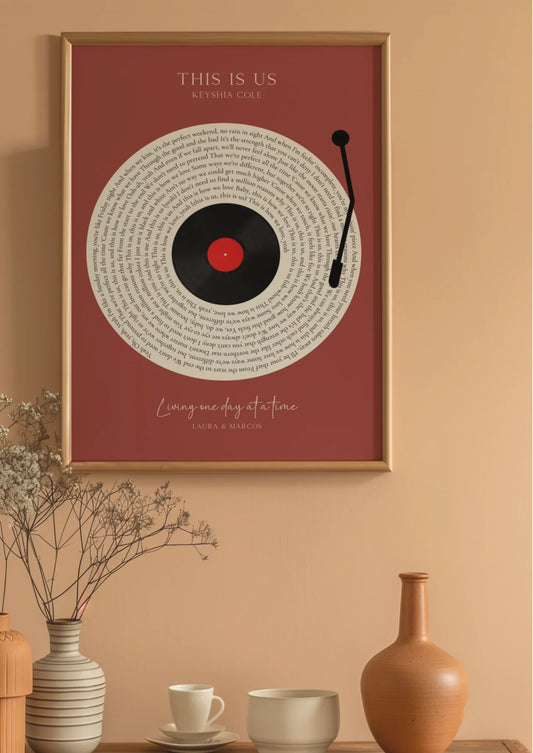
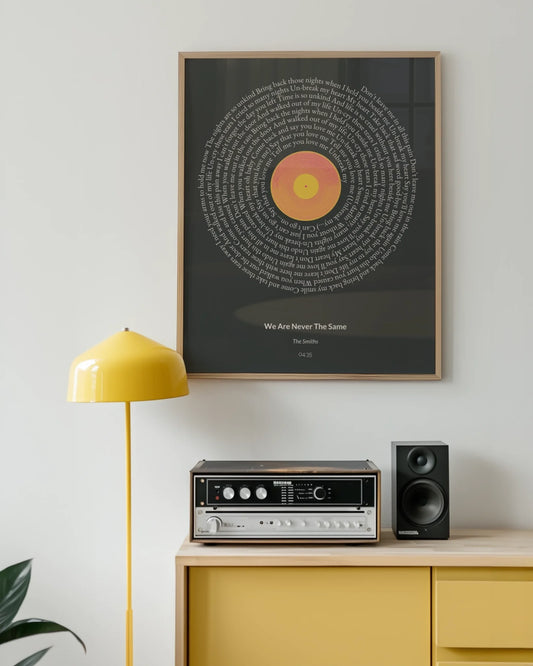
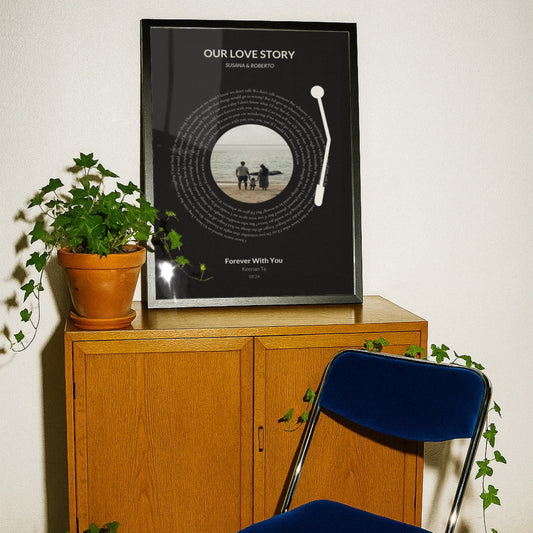
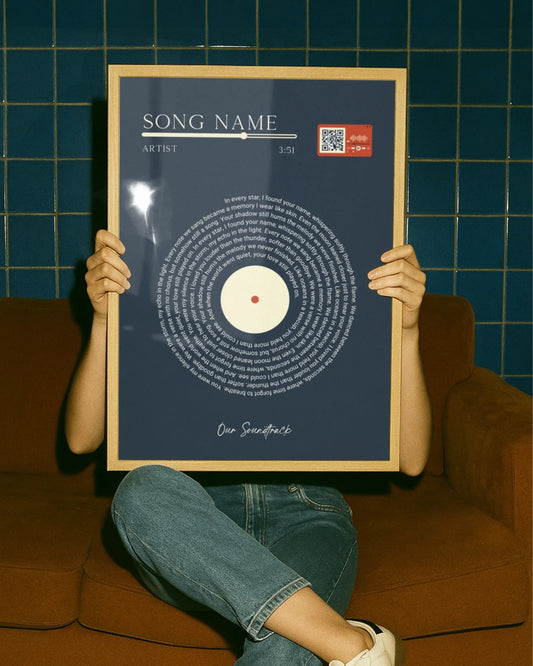
That preview step matters most for personalized pieces, song lyric prints, star maps, photo collages, milestone posters, where a bad crop ruins a name or date you can’t easily reposition after printing. If you’re planning a gift or filling a specific wall, this is where ordering beats DIY: no framing math, no pixel counting, and no reprint if the ratio comes out wrong. Framing options are usually available for sizes up to 24×36, so a separate custom framer may not be necessary for these sizes.
If you’re deciding between poster paper and a fine-art finish, our posters versus prints comparison is worth a quick read first. When you’re ready, start your design and preview it free at the Wallfully homepage.