
What is high-quality printing? A guide for wall art
WallfullyTL;DR:
- High-quality wall art requires a minimum of 300 DPI resolution for sharpness.
- Color accuracy, substrate quality, and proper file preparation are essential for premium results.
- Matching image resolution to viewing distance and using professional printing standards ensure lasting, vibrant prints.
If a photo looks stunning on your phone screen, it should print beautifully on your wall, right? Not necessarily. Screen displays and print outputs follow completely different standards, and what passes for a sharp digital image often falls short when stretched across a 16x20 inch poster. For anyone ordering personalized wall art, whether as a gift or home decor, understanding what separates a truly high-quality print from a disappointing one can save you from real frustration. This guide breaks down the technical standards, practical steps, and common misconceptions so you can make smarter choices every time.
Table of Contents
- Defining high-quality printing for personalized wall art
- Understanding DPI, viewing distance, and image resolution
- The role of color accuracy, paper, and inks in premium prints
- From digital file to finished wall art: steps to ensure perfect results
- Our perspective: The truths and myths of high-quality printing for wall art
- Get meaningful, high-quality prints that last
- Frequently asked questions
Key Takeaways
| Point | Details |
|---|---|
| 300 DPI standard | A resolution of 300 DPI at print size guarantees a sharp, professional appearance for your wall art. |
| Color accuracy is critical | Precise color management (using ICC profiles, ∆E<1.5) makes colors in print truly match your digital design. |
| Choose substrates wisely | The material and ink you select have a lasting impact on quality, durability, and visual appeal. |
| Prepare files properly | Using CMYK color mode and PDF/TIFF formats helps preserve all the detail and color in your finished print. |
Defining high-quality printing for personalized wall art
High-quality printing is not simply about using an expensive printer. It involves a specific combination of resolution, color accuracy, material, and file preparation. Each element works with the others, and missing even one can noticeably reduce the final result.
Resolution is the starting point. High-quality printing for wall art requires a minimum of 300 DPI at final print size. DPI stands for dots per inch, which refers to how many ink dots a printer places within one inch of the print surface. Higher DPI means finer detail, smoother edges, and richer texture. For home decor, this matters enormously because you view wall art up close and from angles that expose every flaw.
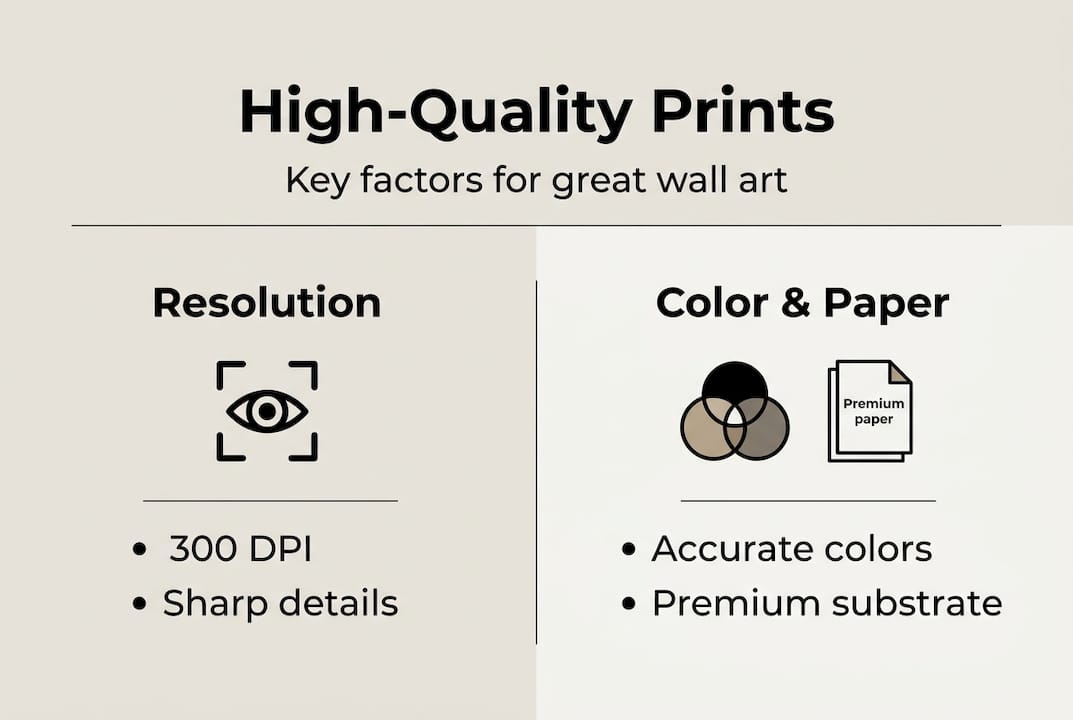
Color accuracy is equally important. It is measured using a value called delta E (∆E), which quantifies the difference between the intended color and the printed color. The smaller the ∆E value, the more accurate the color. For fine art and premium decor prints, a ∆E below 1.5 is the benchmark most professional print services target.
Understanding the impact of print-on-demand wall art also helps clarify why material and process matter as much as resolution numbers. The substrate, meaning the paper, canvas, or other material the image is printed on, shapes how colors appear, how much detail is retained, and how long the print lasts.
Here is a quick comparison of home decor versus standard office printing:
| Attribute | Home decor print | Standard office print |
|---|---|---|
| Resolution | 300 DPI minimum | 150-200 DPI typical |
| Color accuracy | ∆E < 1.5 (fine art) | ∆E < 3.0 acceptable |
| Ink type | Pigment-based | Dye-based |
| Substrate | Fine art paper / canvas | Standard copier paper |
| Longevity | 75+ years archival | 5-15 years |
Core attributes of a high-quality print include:
- High DPI: 300 DPI minimum at final size for close-view art
- Color accuracy: Tight ∆E values with ICC color profiles
- Quality substrate: Fine art paper, matte, or canvas suited to purpose
- Correct file formats: PDF or TIFF at CMYK color mode
- Print-ready image: Properly sharpened, cropped, and sized
Pro Tip: When ordering types of wall art printing, always ask the provider for their DPI standard and substrate specs before placing an order. A trustworthy provider will share these details upfront.
Understanding DPI, viewing distance, and image resolution
Now that the high-level definition is clear, let’s break down the core technical standards you can use to assess print quality at home.
Many people use DPI and PPI interchangeably, but they refer to different things. PPI (pixels per inch) describes the resolution of your digital image file. DPI describes the density of ink dots the printer applies. Both matter. A high-PPI source file gives the printer enough data to produce a high-DPI output. If your file is low-PPI, no printer can compensate.
Viewing distance changes everything. 300 DPI serves close-view wall art at one to three feet, while 150 DPI works well for canvas gallery wraps viewed from three to six feet, with even lower resolution acceptable for larger, more distant pieces. This is why a billboard looks fine from 50 feet away despite having extremely low DPI: your eye cannot distinguish individual dots at that distance.
Here is a practical reference table:
| Print size | Viewing distance | Recommended DPI |
|---|---|---|
| 5x7" (desk art) | 1-2 ft | 300+ DPI |
| 11x14" (small wall) | 2-3 ft | 300 DPI |
| 16x20" (medium wall) | 3-5 ft | 200-300 DPI |
| 24x36" (large poster) | 4-7 ft | 150-200 DPI |
| 40x60"+ (oversized) | 6+ ft | 100-150 DPI |
To check whether your image is high enough resolution before ordering, follow these steps:
- Open your image in any photo editor or preview tool.
- Note the pixel dimensions (e.g., 3000 x 4000 pixels).
- Divide the pixel width by your target print width in inches (e.g., 3000 pixels / 10 inches = 300 DPI).
- If the result is below 150 DPI, the image may look soft or pixelated at that size.
- Consider AI upscaling tools if you need a larger size from a limited-resolution file.
The lasting beauty of quality prints depends heavily on matching your image resolution to the intended print size, not just picking the largest size available.
Pro Tip: For very large wall art pieces, constant print quality standards recommend using high-megapixel camera sources (20+ MP) or AI upscaling software to maintain sharpness without visible pixelation. Learn more about how to make custom prints that hold up beautifully at any size.
The role of color accuracy, paper, and inks in premium prints
Beyond resolution, visual richness in wall art is created by how colors, papers, and inks combine in the printing process.
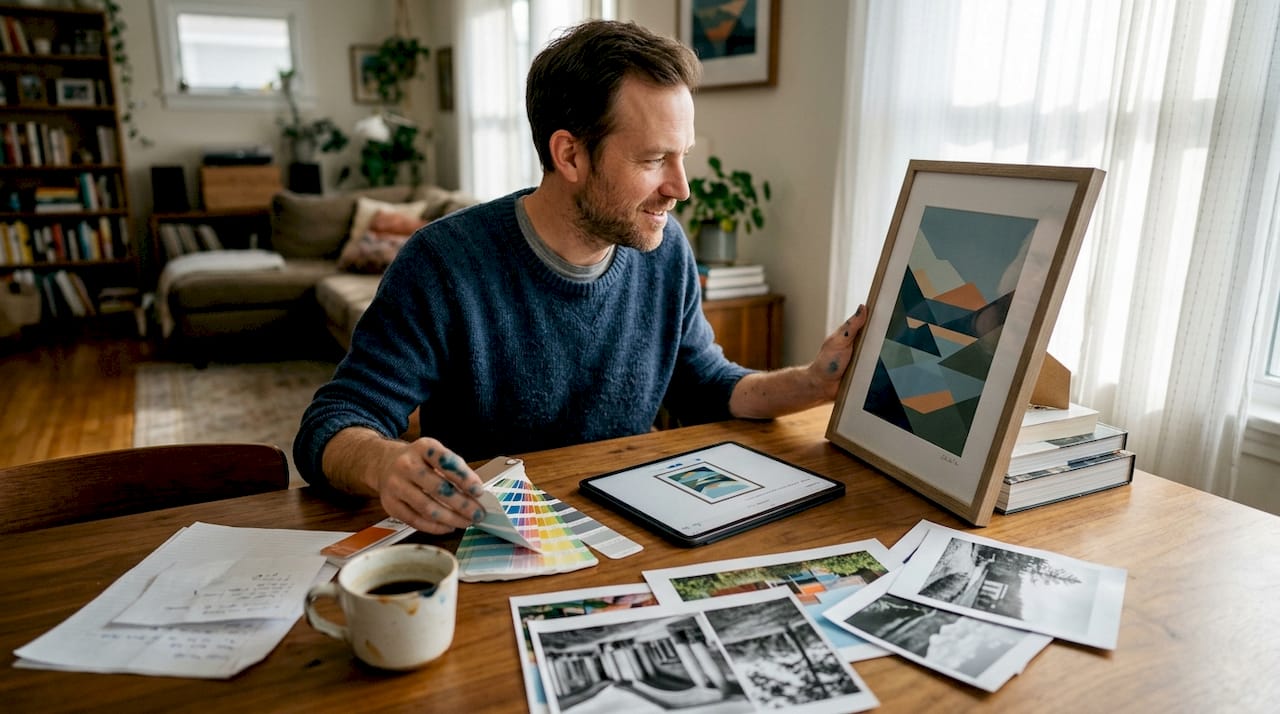
Color management is the system that keeps colors consistent from screen to print. Professional print providers use ICC profiles, which are standardized color maps that tell the printer how to translate digital color values into physical ink mixtures. Without ICC profiles, the same green that looks fresh on your monitor might print as muddy or too warm. Key fine art benchmarks include a ∆E below 1.5 average per the ISO 15311-3 standard, with 300 PPI source files and printer DPI above 1200 for maximum smoothness.
Substrate choice, the paper or canvas you print on, affects both visual quality and longevity. A gloss paper saturates colors more intensely. Matte fine art paper creates a softer, painterly look. Canvas introduces texture that hides minor resolution imperfections. Understanding wall art material quality helps you pick the right surface for the right space.
Ink type is the final major factor. Pigment-based inks are the gold standard for wall art because they resist fading for decades under normal light exposure. Dye-based inks are cheaper and initially more vibrant, but they fade significantly faster when exposed to sunlight or humidity.
Key elements that elevate a print from average to premium:
- ICC color profiles: Applied at print time to ensure color fidelity
- ∆E measurement: The lower the value, the more accurate the color
- Fine art paper or canvas: Chosen based on display environment
- Pigment inks: For archival durability and color fidelity
- CMYK color mode: More accurate for print than RGB
“The substrate and ink combination ultimately determine whether a wall art print looks alive or flat. Resolution gets you in the door, but material quality keeps you there.” — Professional print production perspective
File format also matters. For professional print document standards, PDF and TIFF files preserve full image data without compression artifacts. JPEG files use lossy compression, which can create subtle banding or blurring in large prints. Always export in CMYK mode when your software allows, since most printers work in CMYK. Learn more about poster paper quality and how the right substrate choice transforms the final result.
From digital file to finished wall art: steps to ensure perfect results
With knowledge of the ingredients for high-quality prints, it’s time to see how these come together when you actually order or create custom wall art.
Preparing your file correctly is the single most controllable factor in print quality. Many prints disappoint not because the printer was poor, but because the file was not properly prepared. CMYK color mode for print is essential, along with PDF or TIFF formats to preserve quality, and output sharpening to compensate for ink spread that naturally softens images.
Follow these steps before placing any wall art order:
- Choose your image carefully: Start with the highest resolution version available. Camera RAW files or full-resolution JPEGs directly from your camera are ideal.
- Set color mode to CMYK: In Photoshop, Canva Pro, or similar tools, convert your file from RGB to CMYK before exporting.
- Save as PDF or TIFF: These formats preserve all image data. Avoid saving as JPEG for the final print file.
- Check your DPI at the intended print size: Use the formula: pixel width / print width in inches = DPI. Confirm it meets the 300 DPI standard for close-view pieces.
- Apply output sharpening: Increase sharpness slightly beyond what looks ideal on screen. Ink spread during printing softens the final image, and sharpening compensates for this.
- Review crop and bleed areas: Ensure important content like faces or text sits at least 0.25 inches from the edge to avoid being cut during trimming.
Common mistakes to avoid:
- Uploading a low-resolution screenshot instead of the original photo
- Leaving the file in RGB mode when the printer expects CMYK
- Cropping too tightly and losing faces or key design elements at the edges
- Ignoring the print preview your provider offers before confirming the order
Pro Tip: Always use the live preview feature when ordering personalized prints. It catches placement, cropping, and contrast issues before your file goes to press. For tips on meaningful home decor and how to personalize prints step-by-step, a guided platform with built-in previews removes most of the guesswork.
Our perspective: The truths and myths of high-quality printing for wall art
Here’s what most print guides will not tell you. The internet is flooded with articles that reduce print quality to a single number, 300 DPI, as if reaching that figure guarantees a stunning result. It does not. Beyond 300 DPI, the human eye experiences diminishing returns, and the real differentiators become color management (ICC profiles, ∆E below 2) and substrate quality rather than raw resolution.
What we see constantly is buyers chasing DPI specs while ignoring the paper, ink, and color calibration that actually determine whether a personalized print feels special or generic. A 300 DPI print on bargain-grade paper with uncalibrated colors looks worse than a 200 DPI print on premium fine art stock with tight ICC color management.
The practical wisdom is this: match your file quality to your viewing distance, invest in a provider who uses pigment inks and quality substrates, and always proof your design before committing. Understanding why custom prints elevate home decor is less about chasing specs and more about choosing the right combination of materials, color management, and personal meaning.
Get meaningful, high-quality prints that last
Ready to put these standards into practice and enjoy the impact of exceptional wall art at home or as a gift?
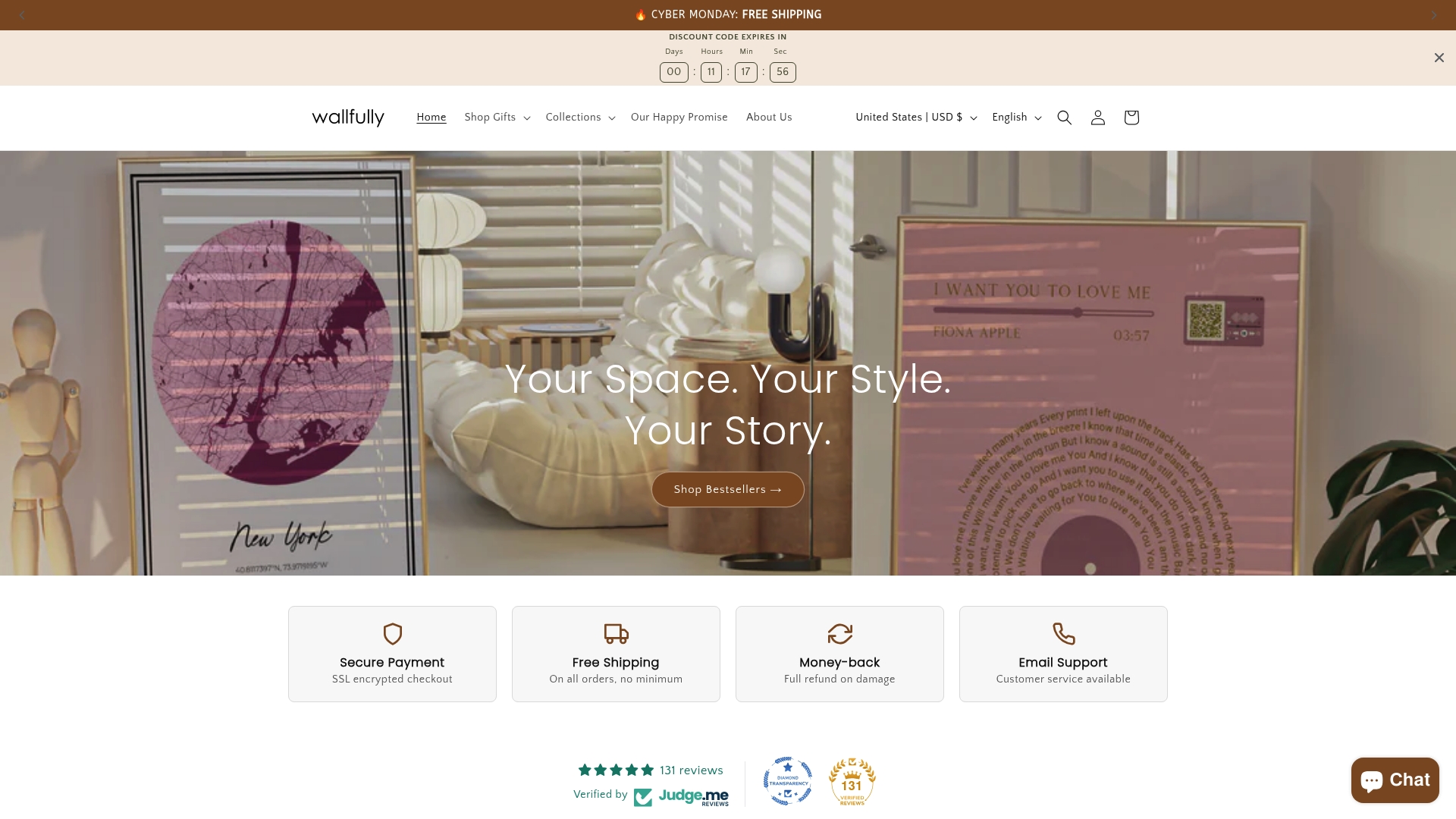
At Wallfully, every personalized print is produced using premium materials, pigment-based inks, and color-managed workflows, so what you see in your digital preview genuinely reflects what arrives at your door. From a family photo collage print to custom song lyric posters, maps, and milestone art, each piece is crafted with the technical standards this guide covers. Free shipping on every order, a satisfaction guarantee, and an easy customization process with live previews make it simple to create something truly meaningful without second-guessing the quality.
Frequently asked questions
Why does DPI matter for wall prints?
300 DPI is the standard for sharp, detailed wall art because it determines how many ink dots per inch the printer applies. Lower DPI produces visible softness or pixelation in close-view pieces.
Can I use an image from my phone for large wall art?
Yes, modern smartphones often capture enough resolution for medium-sized prints, and AI upscaling tools can extend that range for extra-large sizes above 24x36 inches.
What file format ensures the best print results?
PDF and TIFF in CMYK color mode preserve the full image data and produce sharper, more color-accurate results than JPEG for large wall art.
How do I know if my colors will match the digital preview?
High-quality providers use ICC profiles and measure color accuracy with ∆E values. A ∆E below 1.5 for fine art ensures your colors print as intended.
Is there a difference between canvas and paper prints?
Yes. Canvas uses 150-300 DPI due to its texture absorbing fine detail, while fine art paper benefits from 300 DPI or higher to capture full sharpness and color depth.